Tutorials

Short videos, one task each.

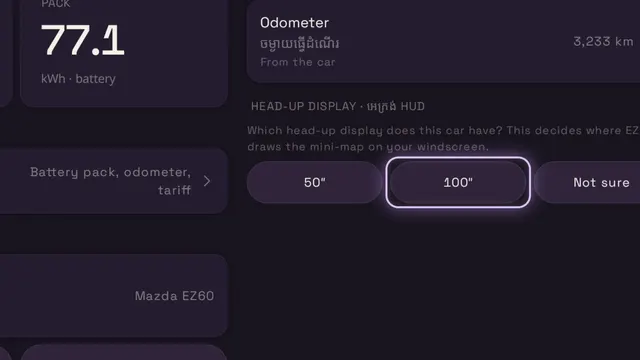
Each one walks through a single task on the car's screen, step by step, in a minute or two. Shown on a Mazda EZ60 — on other cars the screens can look a little different.

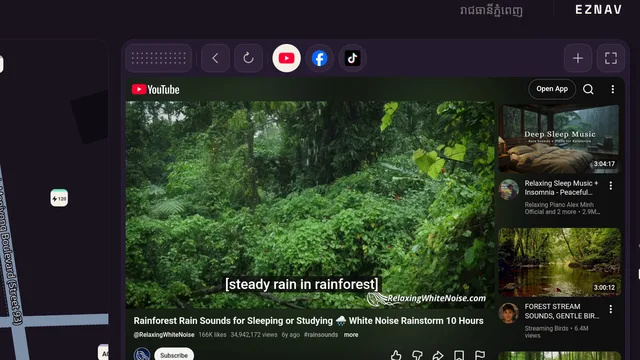
New: Web card

  1. Coming soon

    24

    Web card: YouTube, Facebook and your own sites on the dashboard

    Video in English

    Watch on YouTube

New: Tour Guide

  1. Coming soon

    See it in action

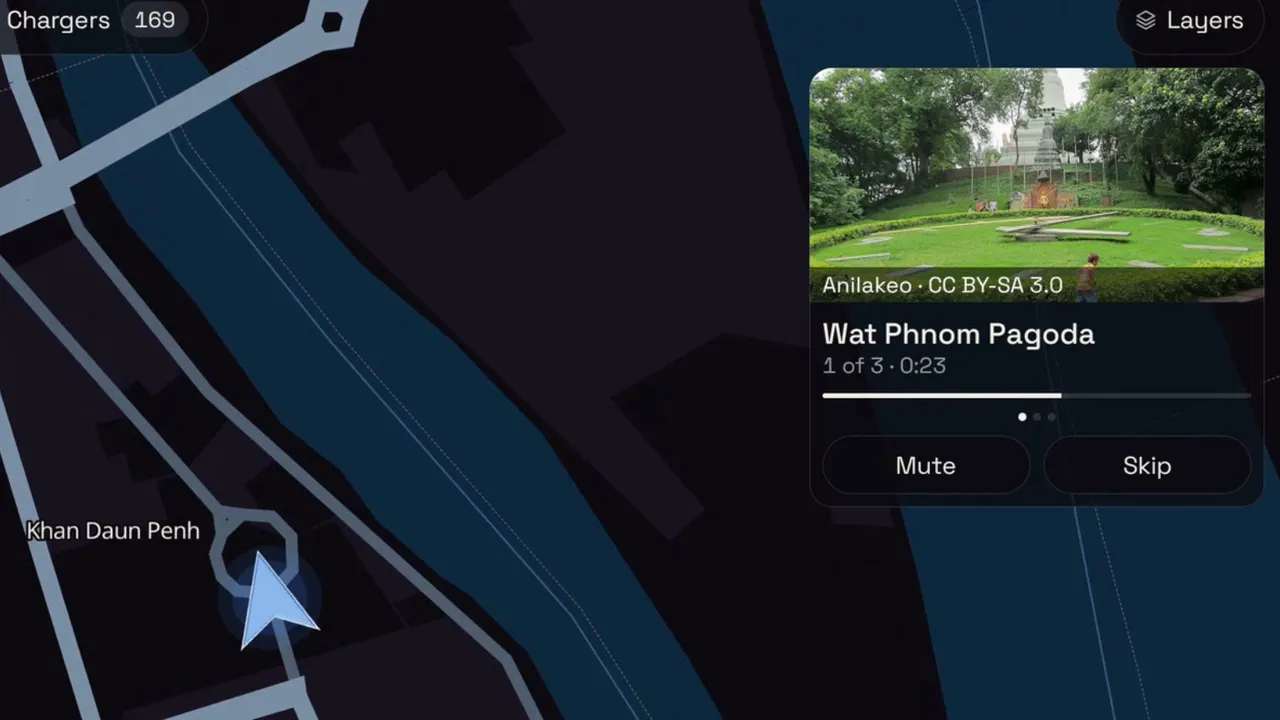
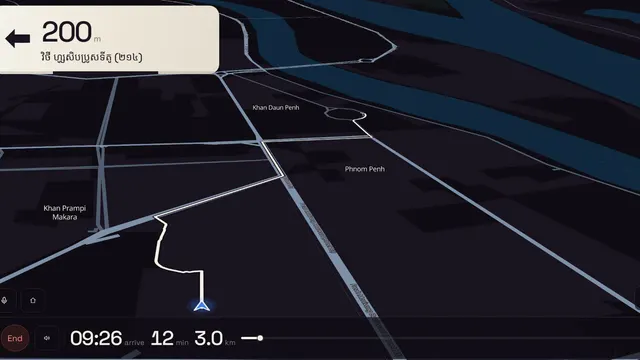
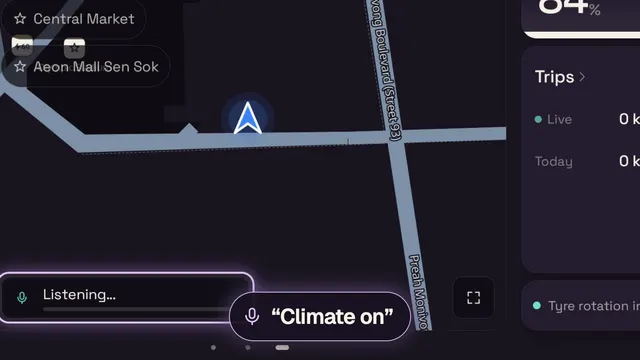
    Tour Guide in EZNav: a drive past Wat Phnom

    Nothing to tap: the story starts when you get there. Real EZNav screen, simulated drive.

    Video in English

    Watch on YouTube

  2. Coming soon

    23

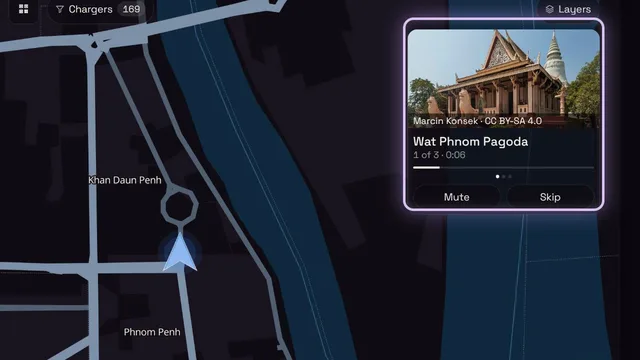
    Tour Guide: hear the story of the places you drive past

    Video in English

    Watch on YouTube

Getting started

  1. Coming soon

    01

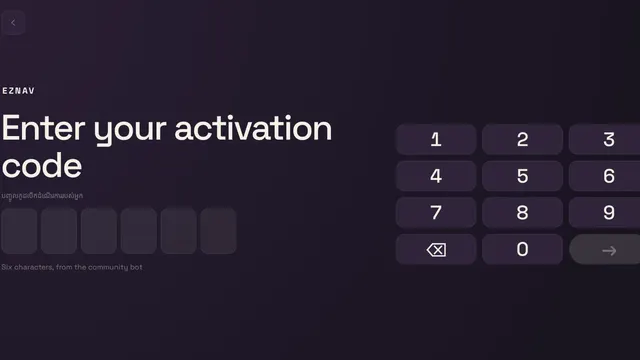
    Install EZNav from a USB stick and activate it

    Video in English

    Watch on YouTube

  2. Coming soon

    02

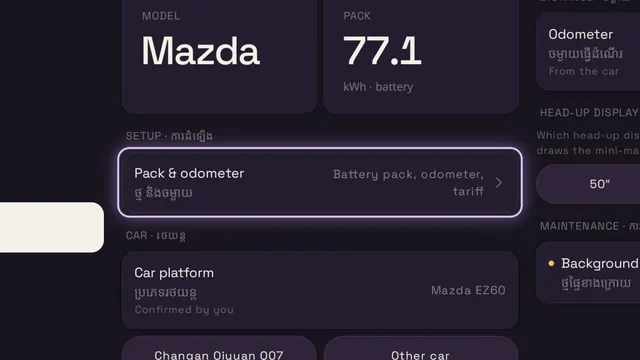
    First-time setup: location, language and money, your car, and starting with the car

    Video in English

    Watch on YouTube

  3. Coming soon

    03

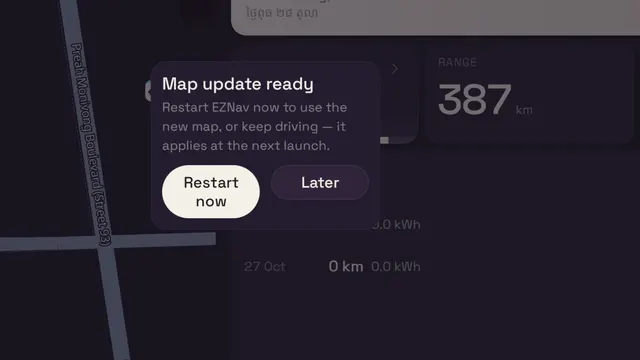
    Updates: new versions and new maps arrive by themselves

    Video in English

    Watch on YouTube

Places and navigation

  1. Coming soon

    04

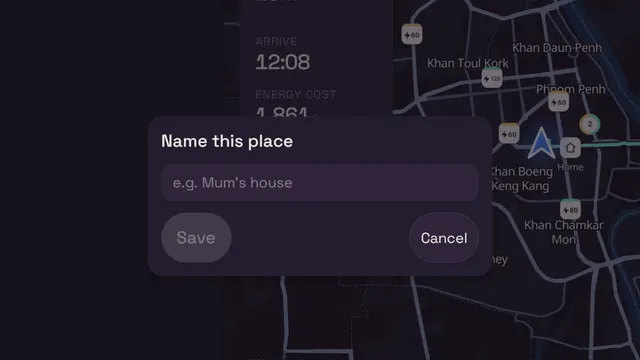
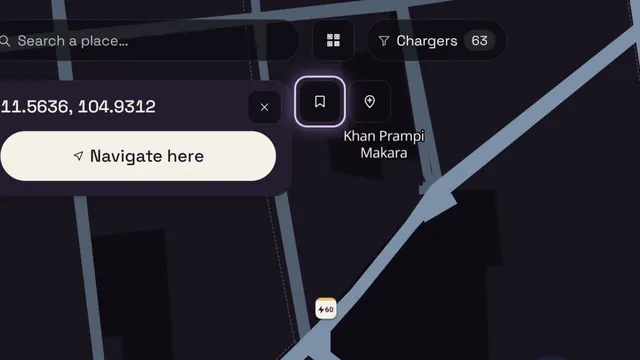
    Pin a spot on the map and save it as Home, Office or a Favourite

    Video in English

    Watch on YouTube

  2. Coming soon

    05

    Save your Home and see it on the dashboard

    Video in English

    Watch on YouTube

  3. Coming soon

    06

    Drop a pin: go anywhere, even without an address

    Video in English

    Watch on YouTube

  4. Coming soon

    07

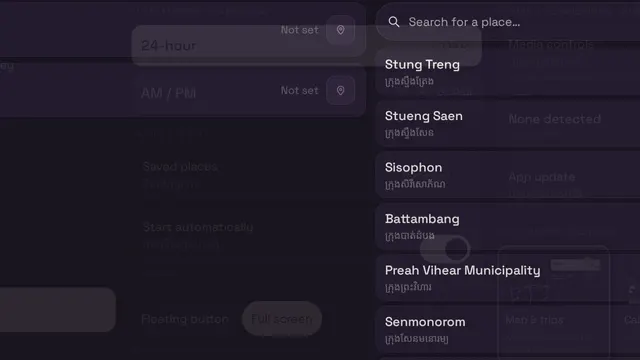
    Search a place and go

    Video in English

    Watch on YouTube

Charging

  1. Coming soon

    08

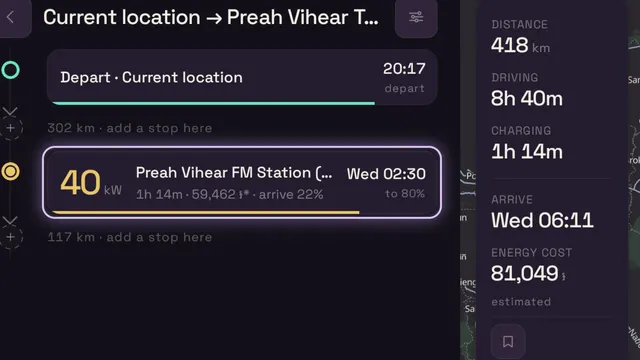
    A long trip with a charging stop

    Video in English

    Watch on YouTube

  2. Coming soon

    09

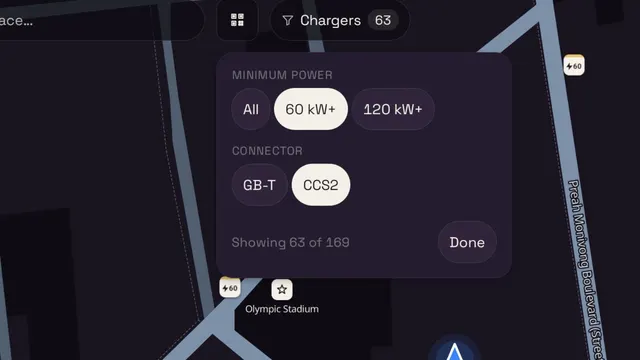
    Find a charger that fits your car

    Video in English

    Watch on YouTube

  3. Coming soon

    10

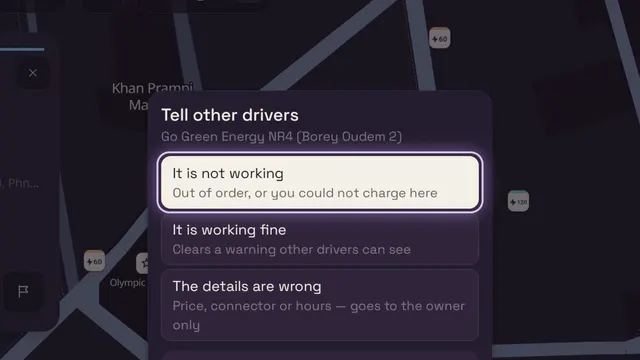
    Tell other drivers about a charger

    Video in English

    Watch on YouTube

Phone

  1. Coming soon

    11

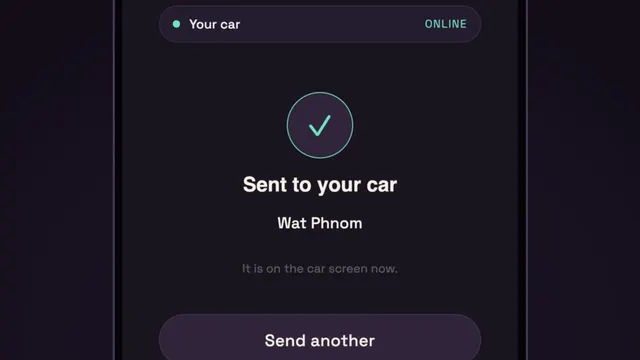
    Send a place from your phone to the car

    Video in English

    Watch on YouTube

  2. Coming soon

    12

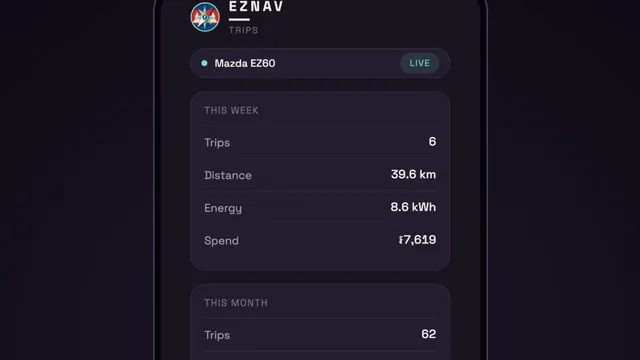
    See your car from your phone: turn on the Mobile Dashboard

    Video in English

    Watch on YouTube

Spending and looks

  1. Coming soon

    13

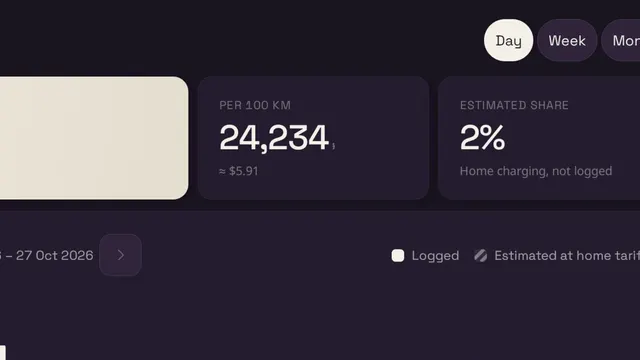
    Log a charge, then see what your driving really costs

    Video in English

    Watch on YouTube

  2. Coming soon

    15

    Show your music on the dashboard

    Video in English

    Watch on YouTube

Cabin

  1. Coming soon

    16

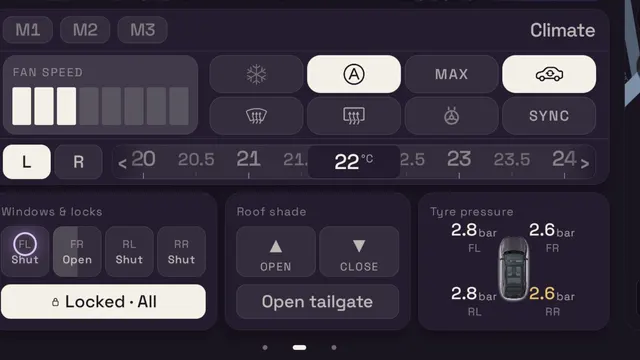
    Climate, windows, tailgate and seats, right next to the map

    Video in English

    Watch on YouTube

  2. Coming soon

    17

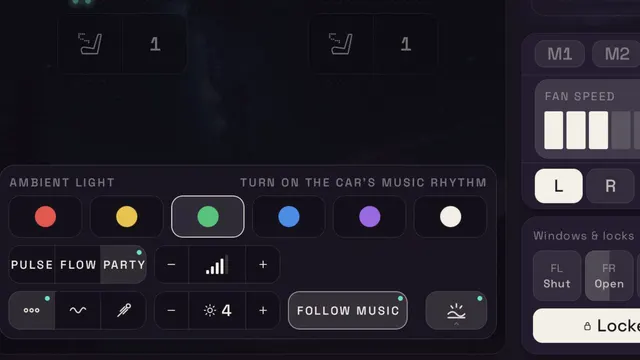
    Make the ambient lights follow your music (Mazda EZ60)

    Video in English

    Watch on YouTube

HUD and voice button

  1. Coming soon

    18

    Turns and a mini-map on the windscreen HUD (Mazda EZ60 with a HUD)

    Video in English

    Watch on YouTube

  2. Coming soon

    19

    Turn on the floating voice button and choose Small or Large

    Video in English

    Watch on YouTube

Voice

  1. Coming soon

    20

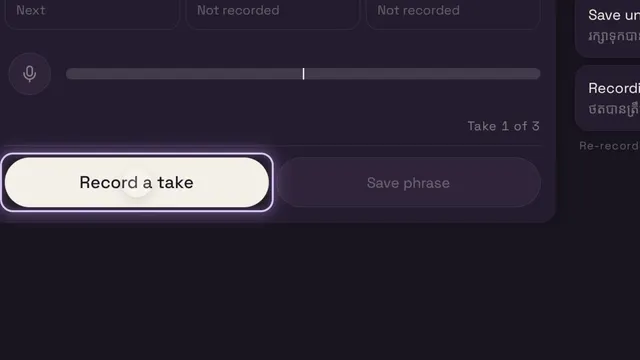
    Turn on voice: allow the microphone, record your wake word, then just say it

    Video in English

    Watch on YouTube

  2. Coming soon

    21

    What can you say? Browse the voice commands, then talk without a wake word

    Video in English

    Watch on YouTube

  3. Coming soon

    22

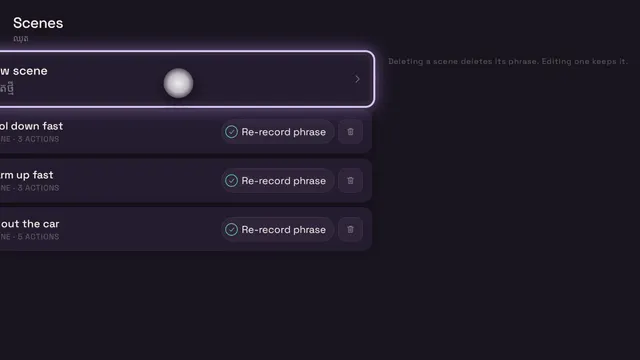
    Scenes: one sentence, several things at once

    Video in English

    Watch on YouTube