Talk to your car in Khmer.
EZNav is a navigation and EV app that runs on the car's own screen. It holds a map of Cambodia that works with no signal, answers 33 spoken commands for the climate, windows and tailgate, and keeps the cost of your driving in riel. No Google services. Built in Phnom Penh.
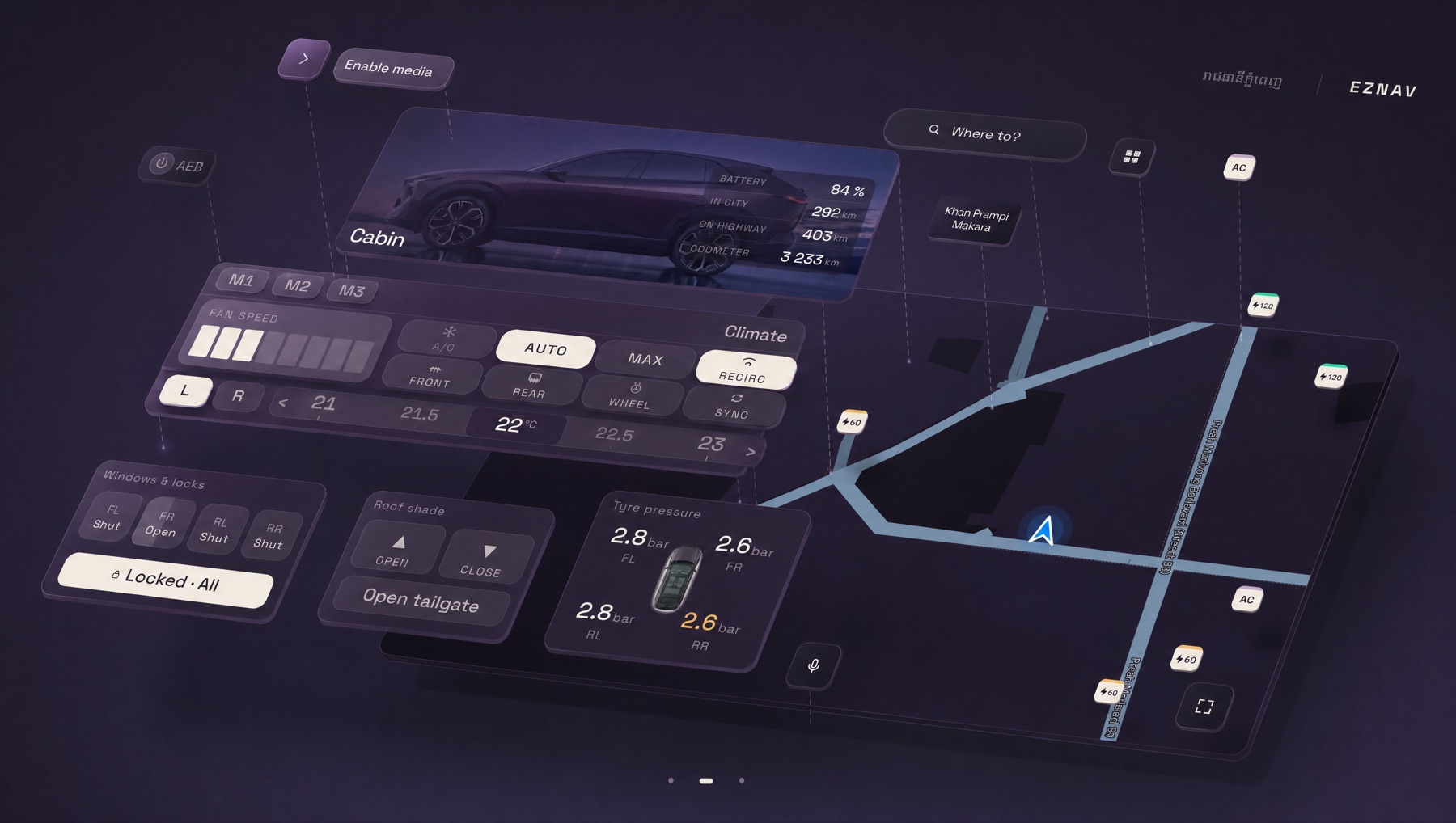
- 33 voice commands
- Offline map of Cambodia
- Nothing leaves the car
- ខ្មែរ & English
- No Google services
Voice
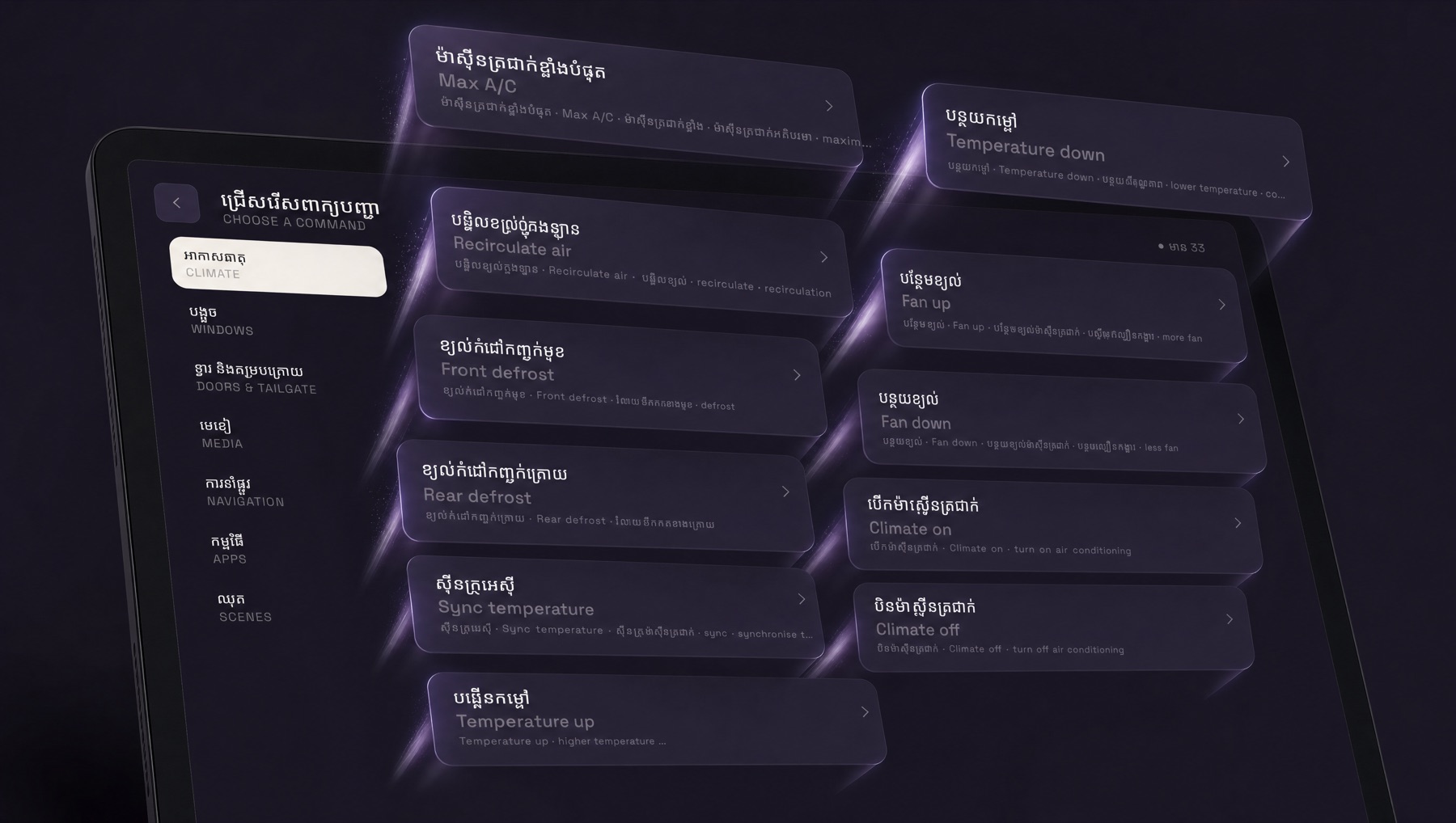
Thirty-three commands, spoken in Khmer.
Say it and the car does it. Air conditioning, temperature, fan, recirculation, defrost, windows, door locks, the tailgate, media and navigation — thirty-three commands in seven groups, and each one accepts several ways of saying it.
Recorded in your own voice. Kept on the car.
You enrol the phrases yourself, speaking them into the car. Matching happens on the car. The recordings are never uploaded.
Hands stay on the wheel. Eyes stay on the road.
Cabin
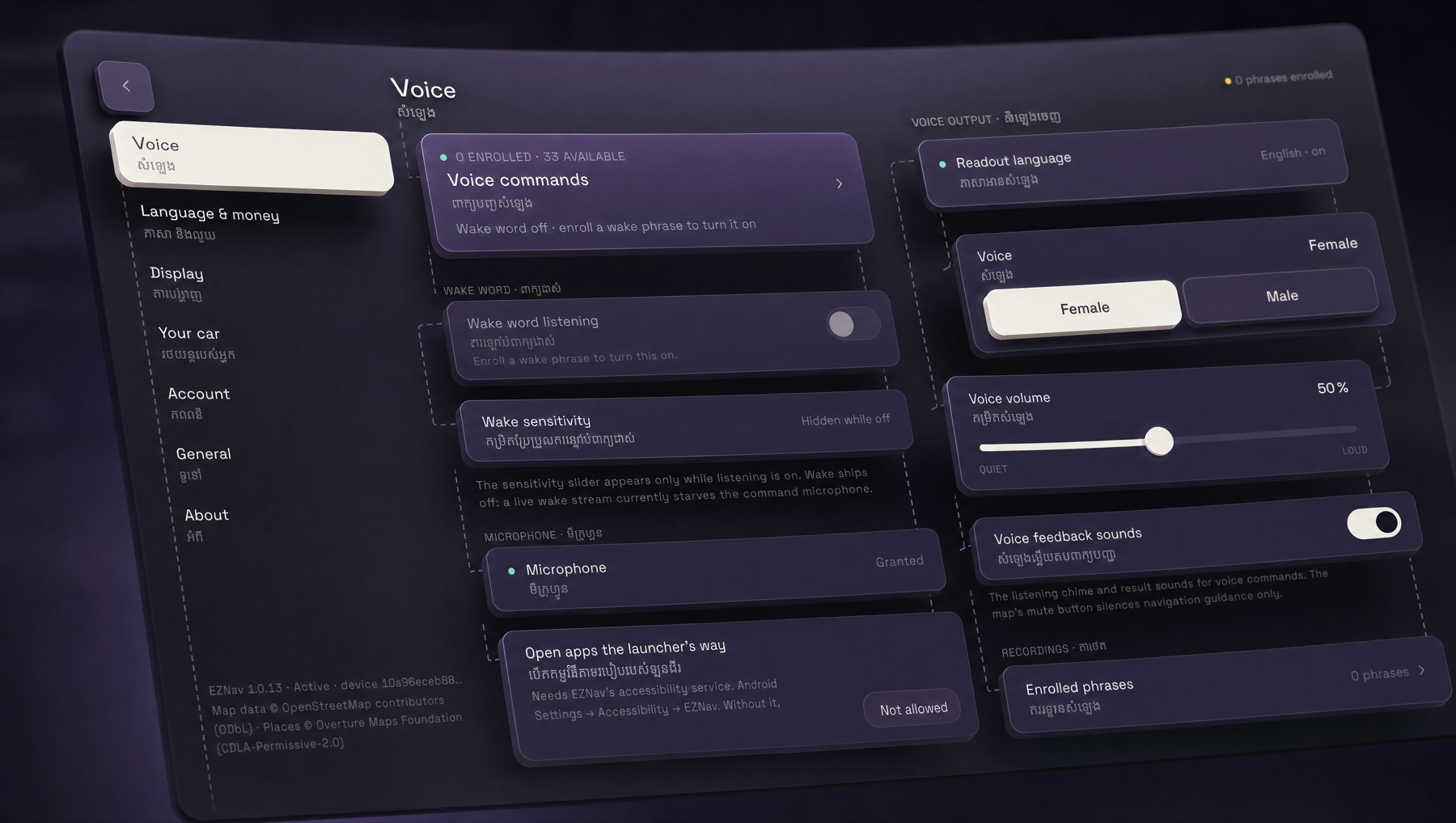
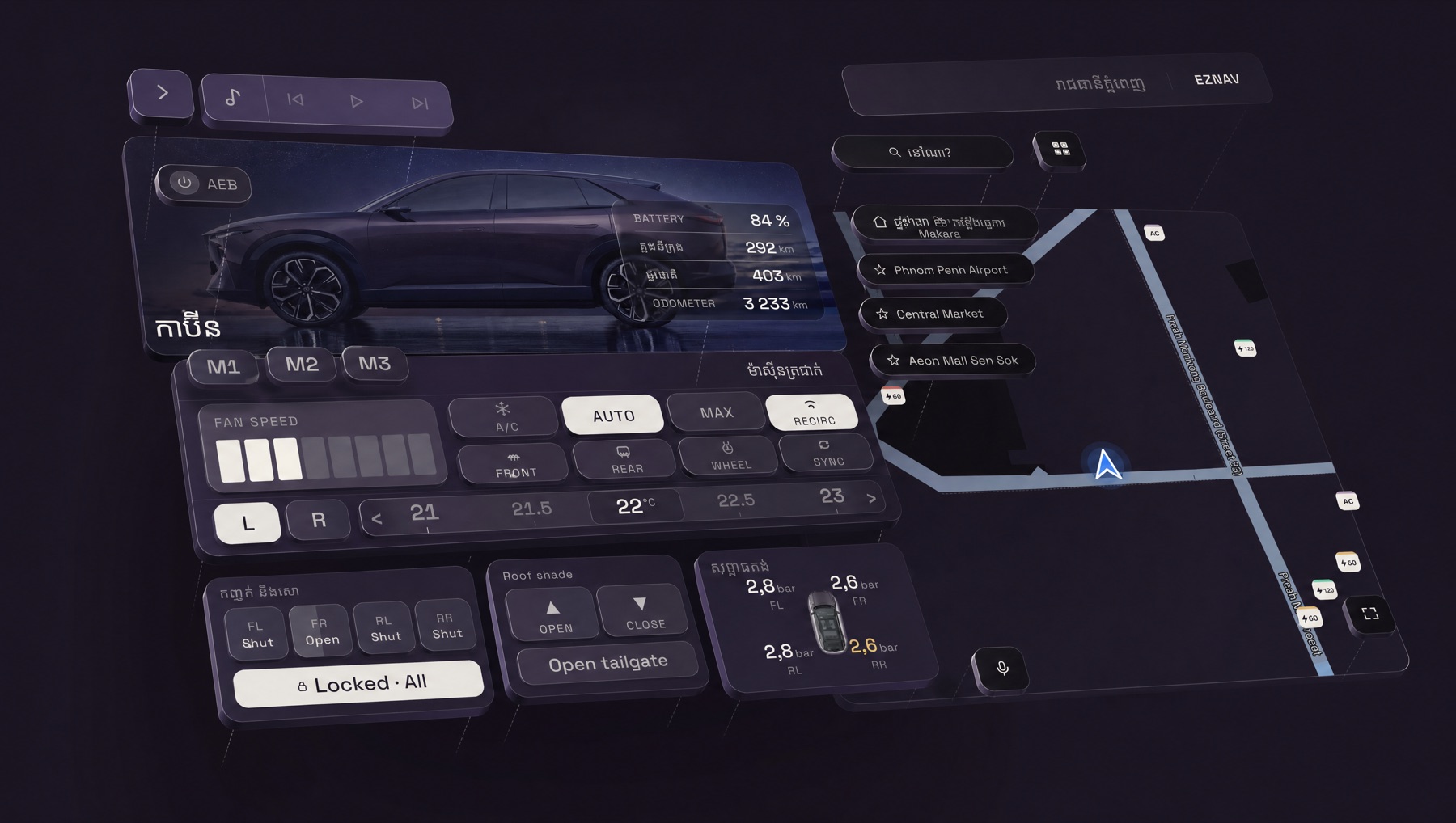
The car's own controls, on the same screen as the map.
Climate, seats, windows, door locks, roof shade, tailgate and tyre pressures — read and set from the app. In Khmer, if Khmer is the language you chose.
Full map
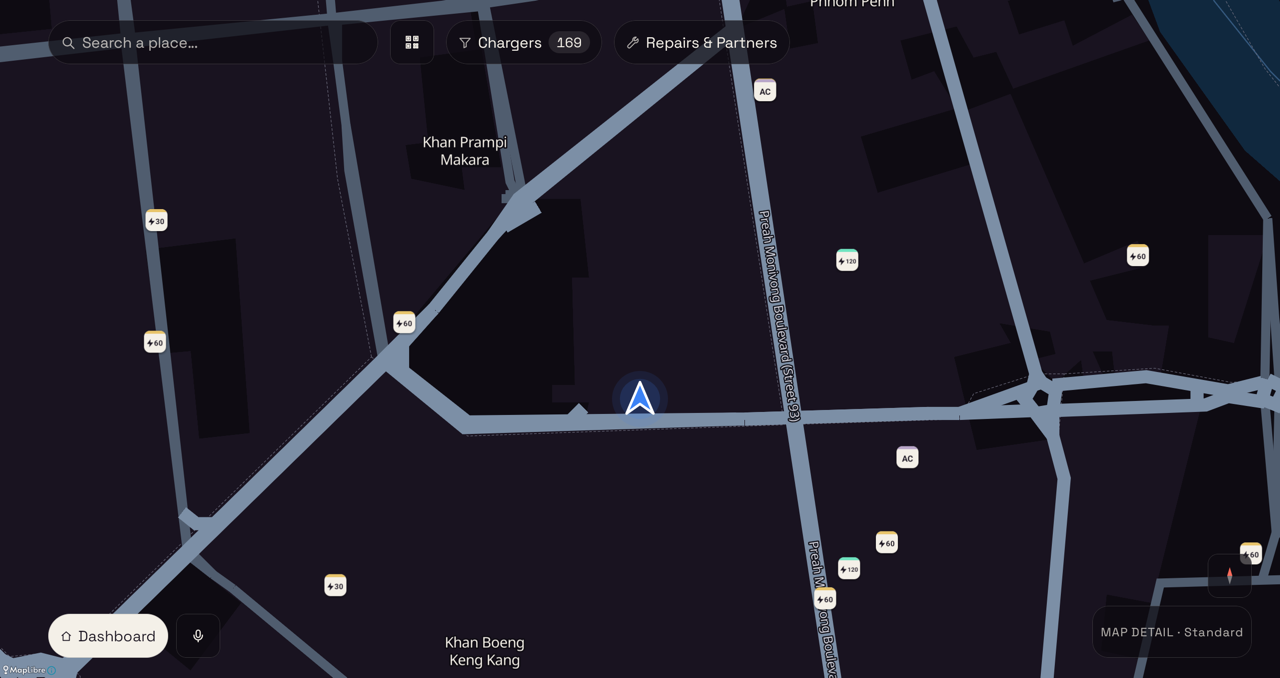
The map lives on the car, not on the network.
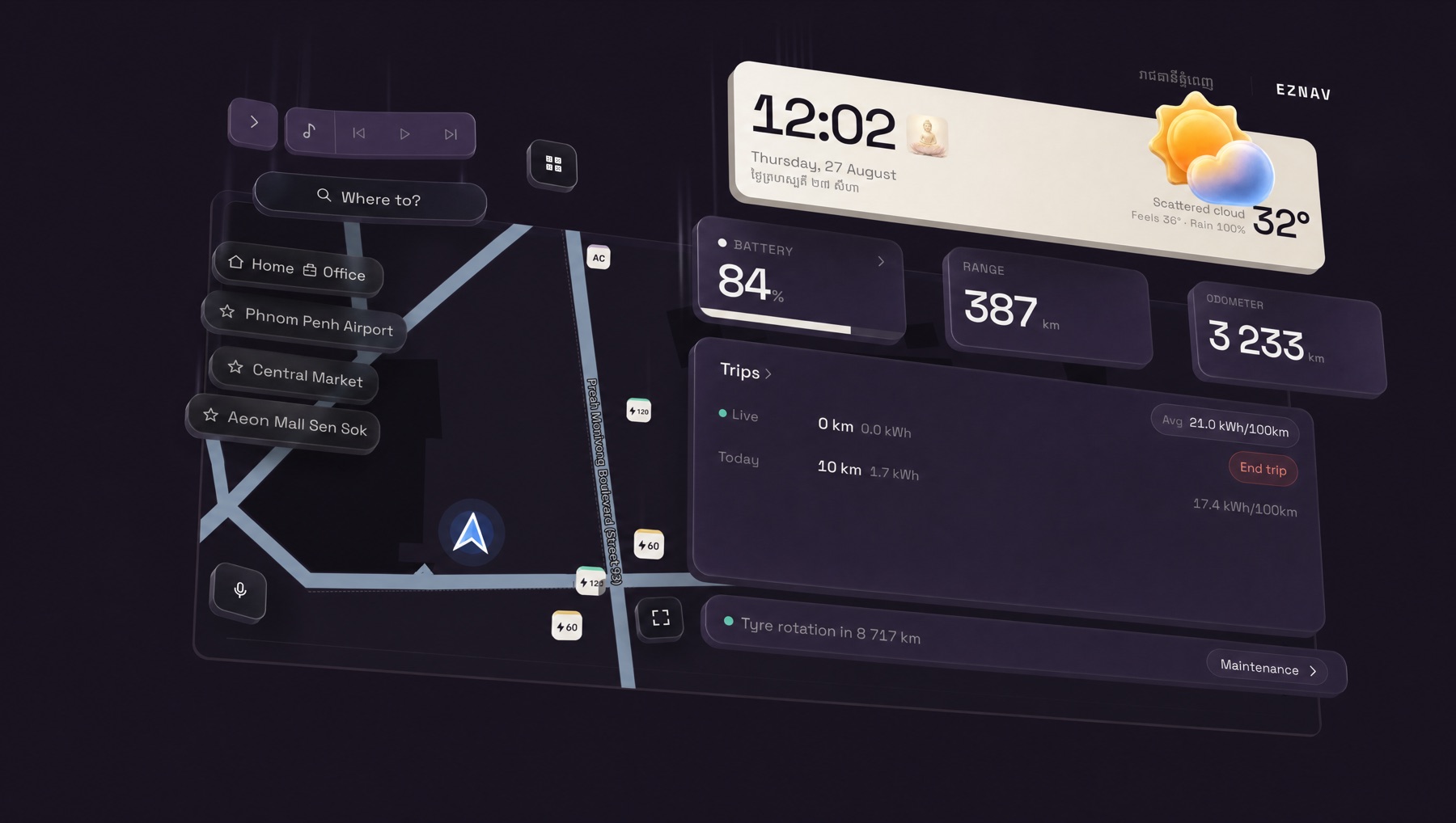
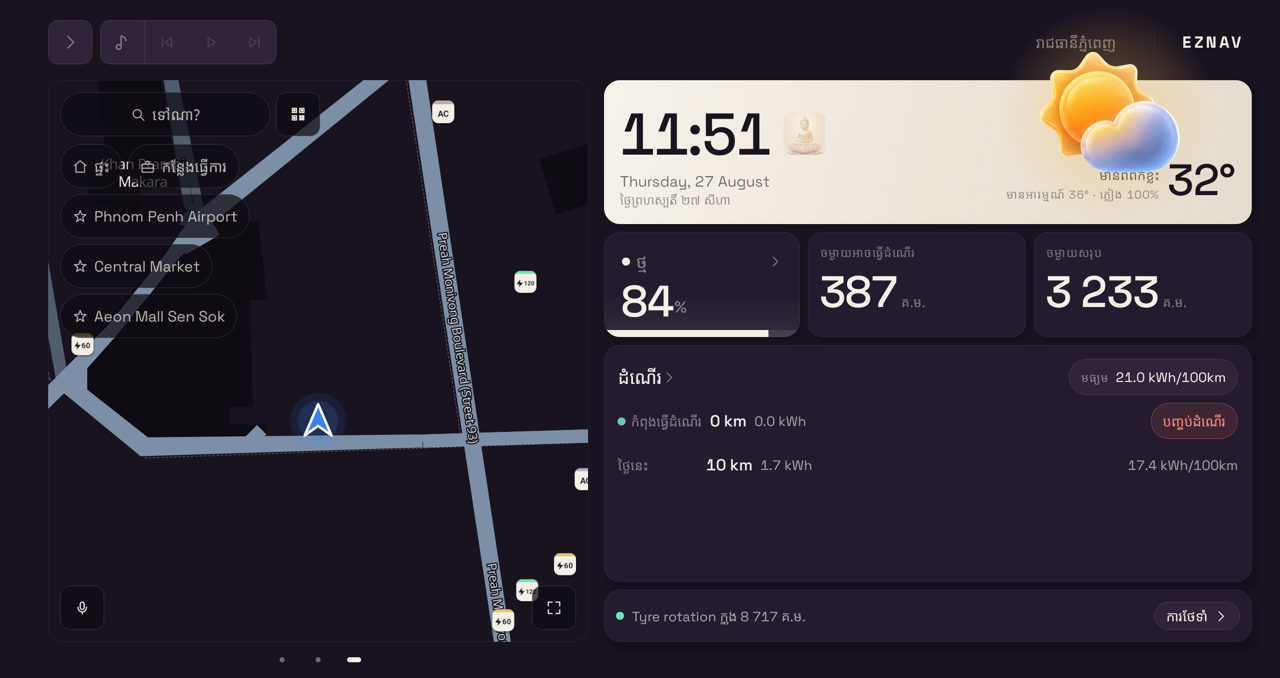
Cambodia's map is stored on the car. Navigation, the charger list and trip history all work with no signal, and data syncs when a connection comes back.
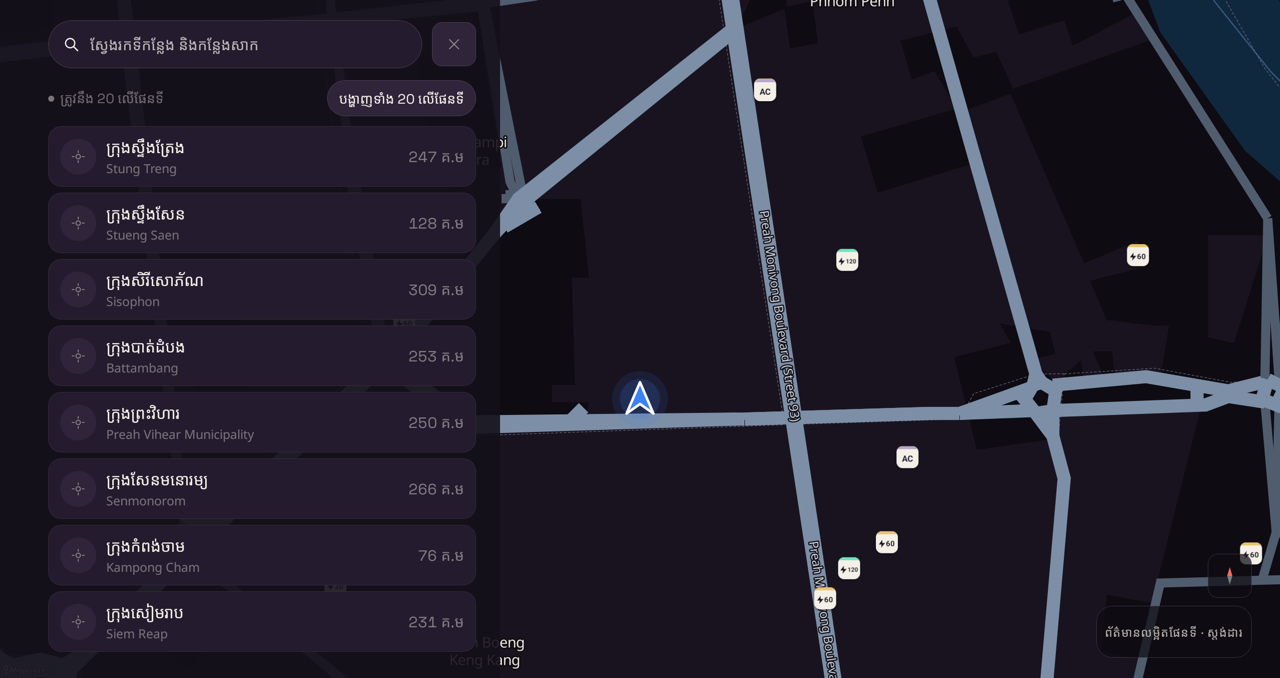
Charging stations across Cambodia, including stations added and verified by drivers themselves. Saved places, the nearest charger, and search that takes Khmer.
On the car, unretouched
On your phone
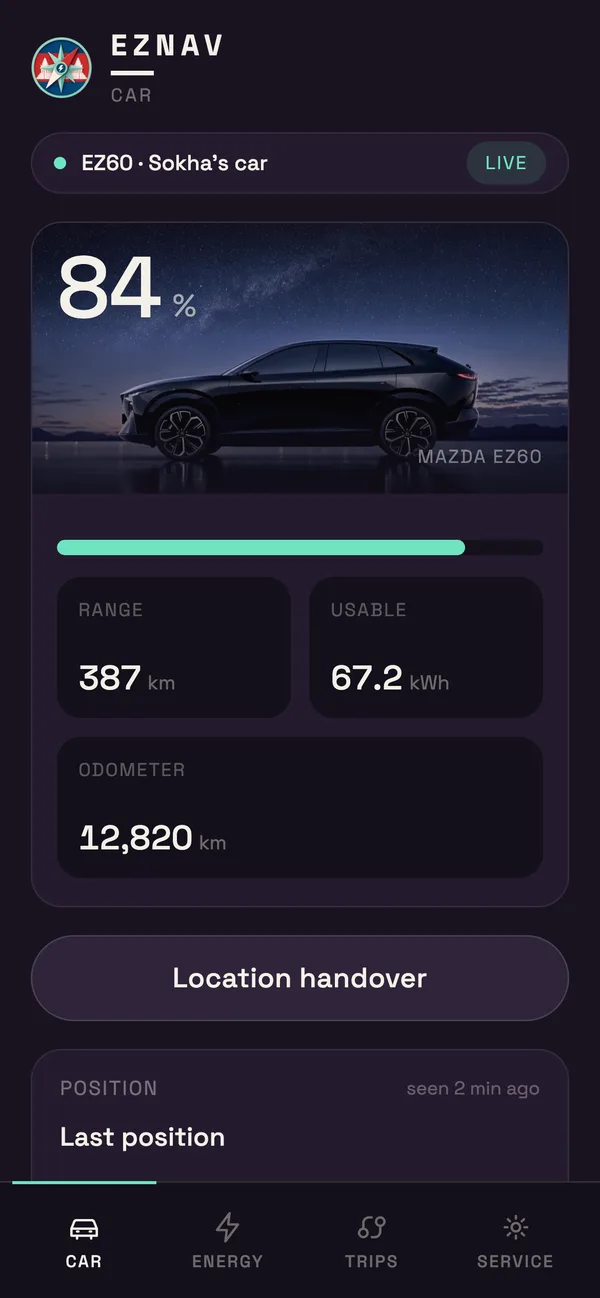
See your car from your phone.
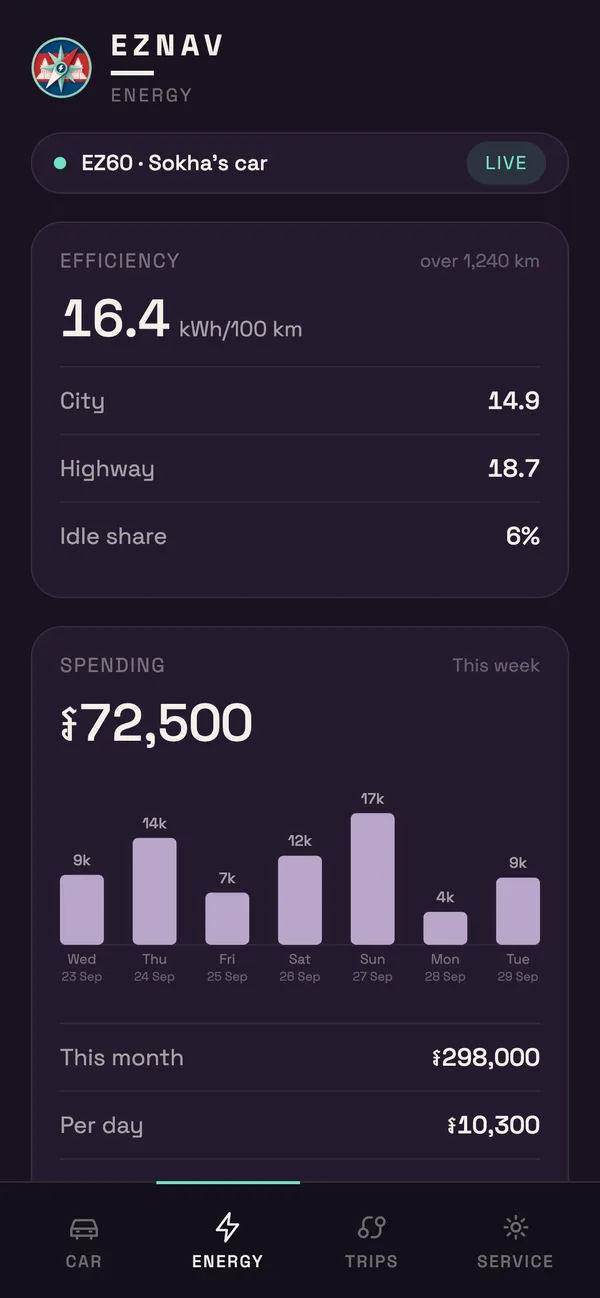
The mobile dashboard shows the battery, range, efficiency, spending in riel, charges and the next service, in any phone browser.
Link a phone once from the car: scan with the phone camera, then enter a password. Nothing to install. The car's location shows only if you allow it.
Send a place to your car.
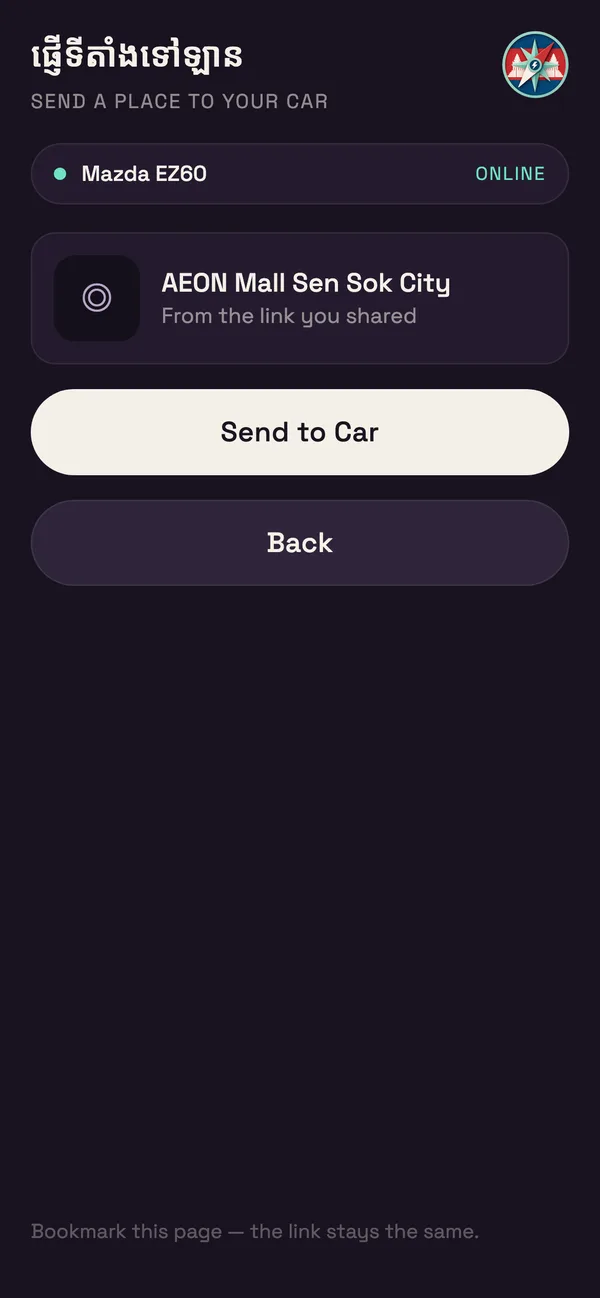
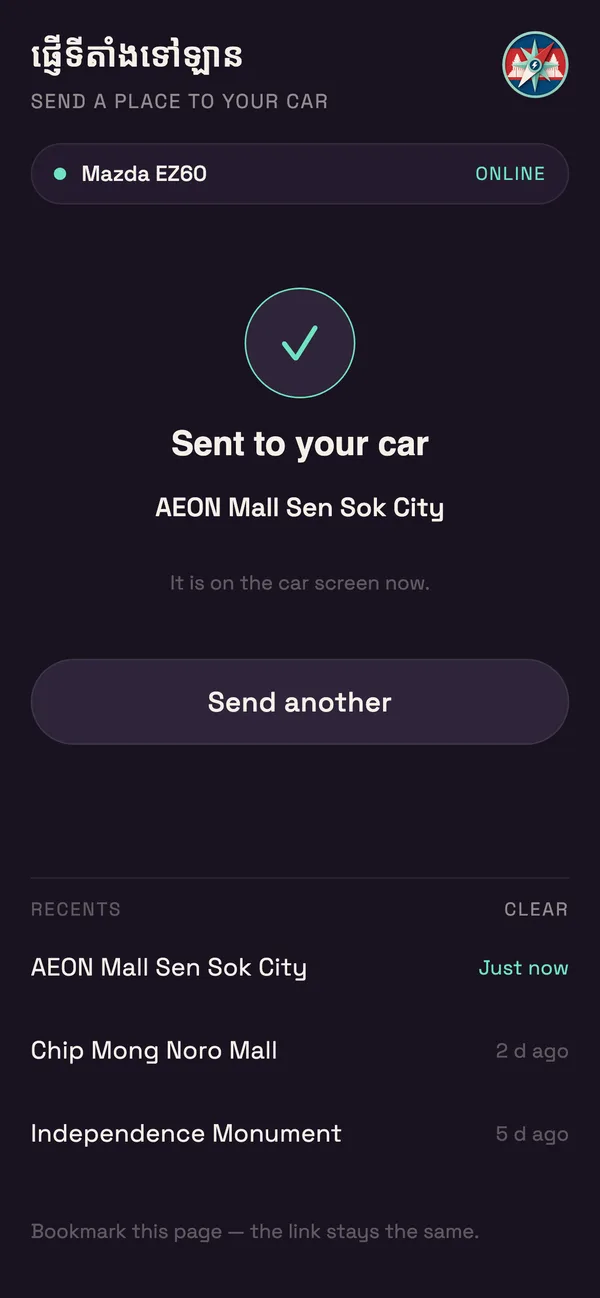
A passenger finds the place on their phone. The car navigates there.
- Tap handover next to the search box on the car, and scan the code with the phone camera.
- Bookmark the page that opens.
- Paste a location link from Google Maps or Telegram, and tap Send to Car.
The place appears on the car screen, ready to navigate. If the car is asleep, it arrives when the car wakes.
Spending
Every trip, counted in riel.
Distance, kWh and cost logged for each trip. Spending totalled by day, week and month. Service intervals counted down in kilometres, and repair shops nearby.
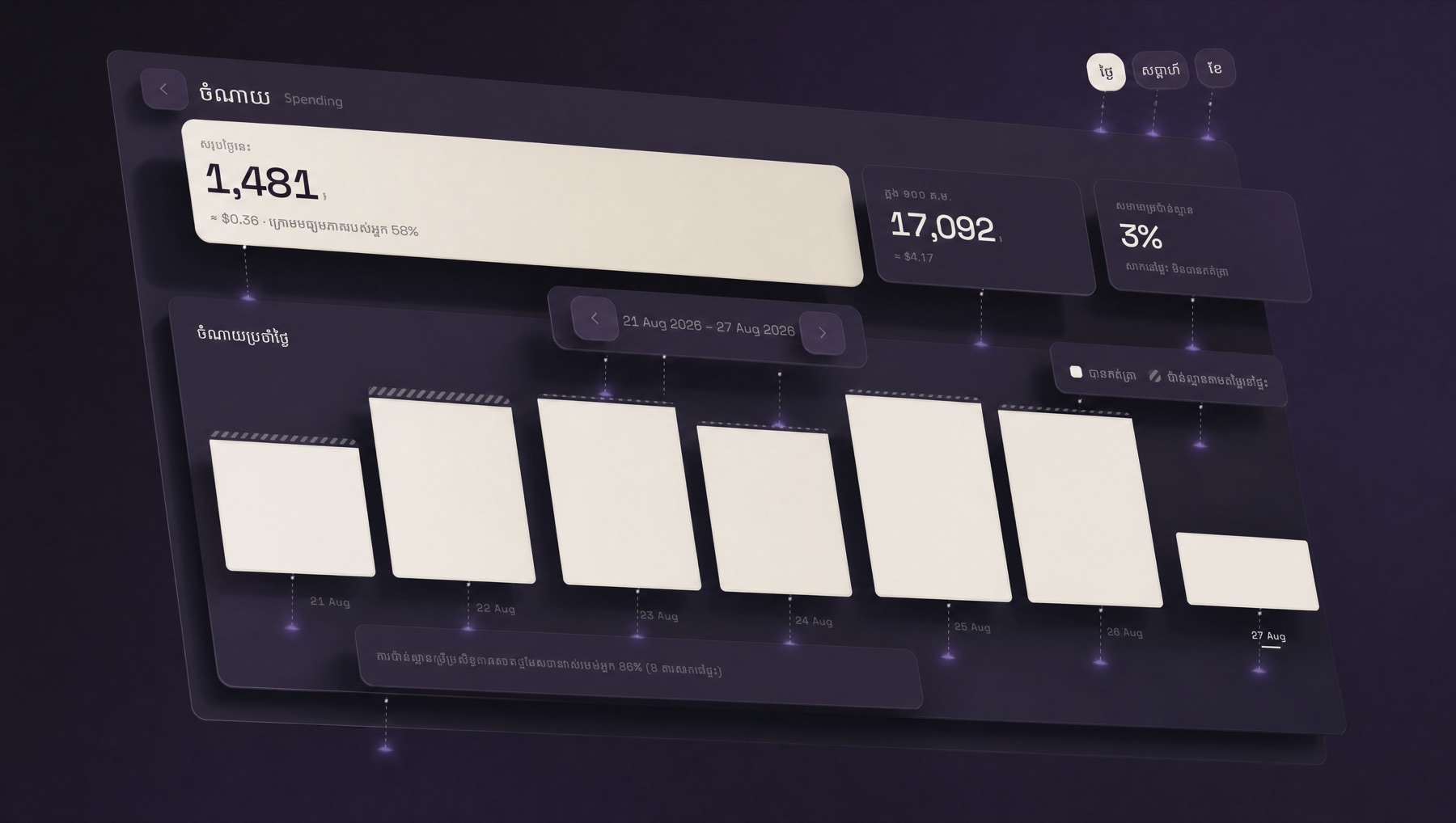
Spending
Today, this week, this month. The app marks which part is estimated rather than measured.
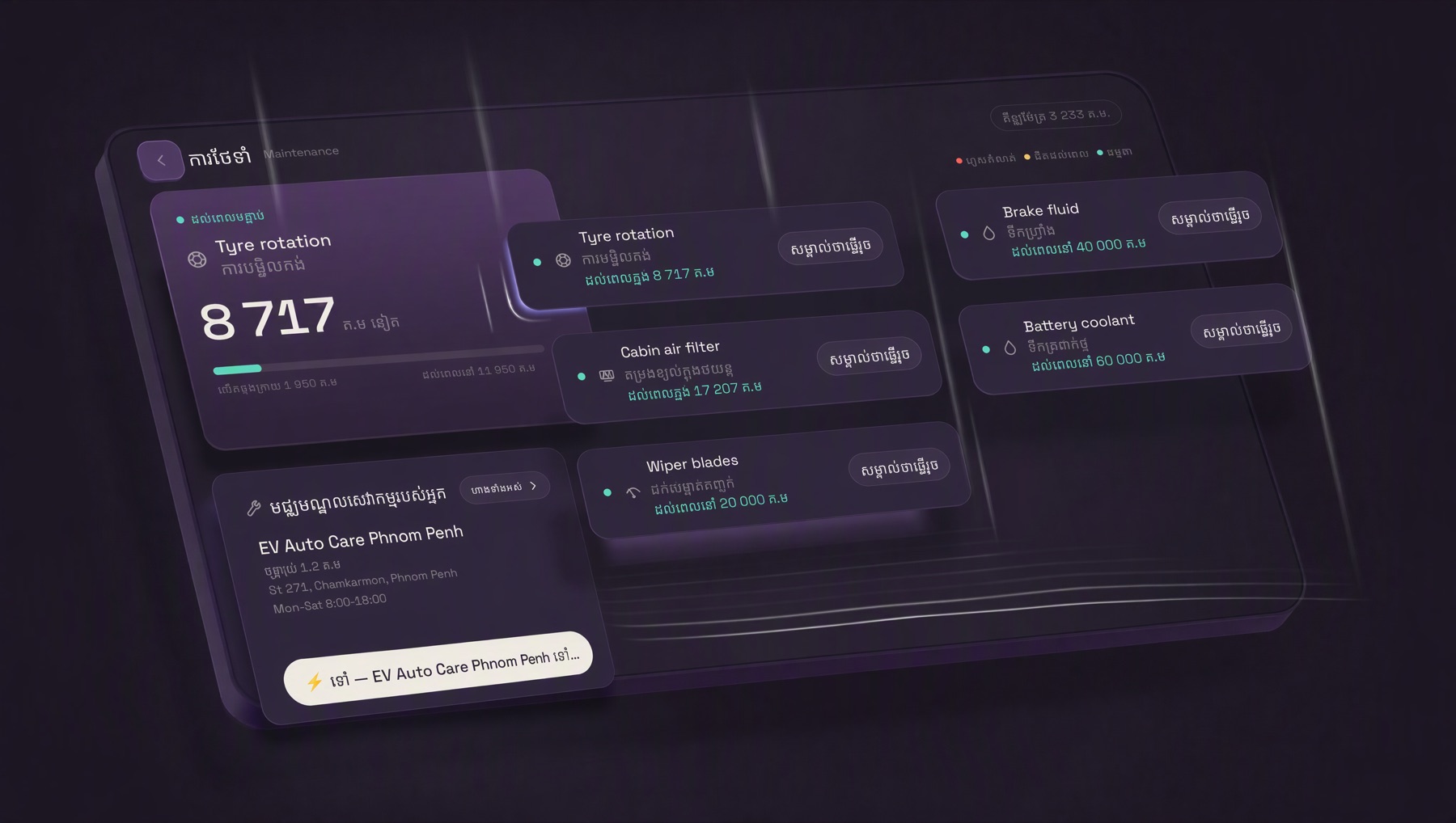
Maintenance
Tyre rotation, cabin filter, wipers, brake fluid and coolant, each counting down in kilometres.
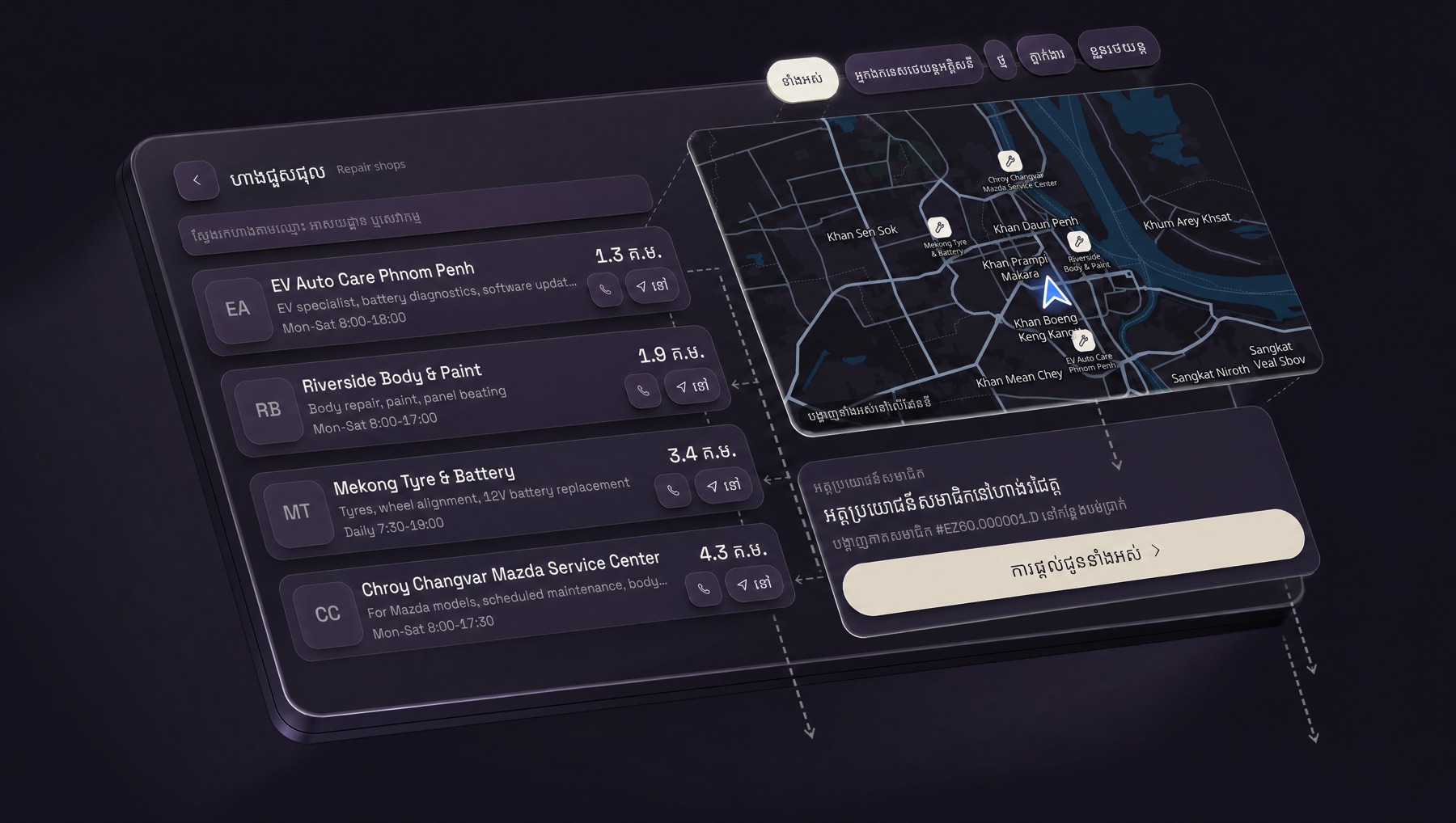
Repair shops
Distance, hours and services, pinned on the map. Member discounts where they are offered.
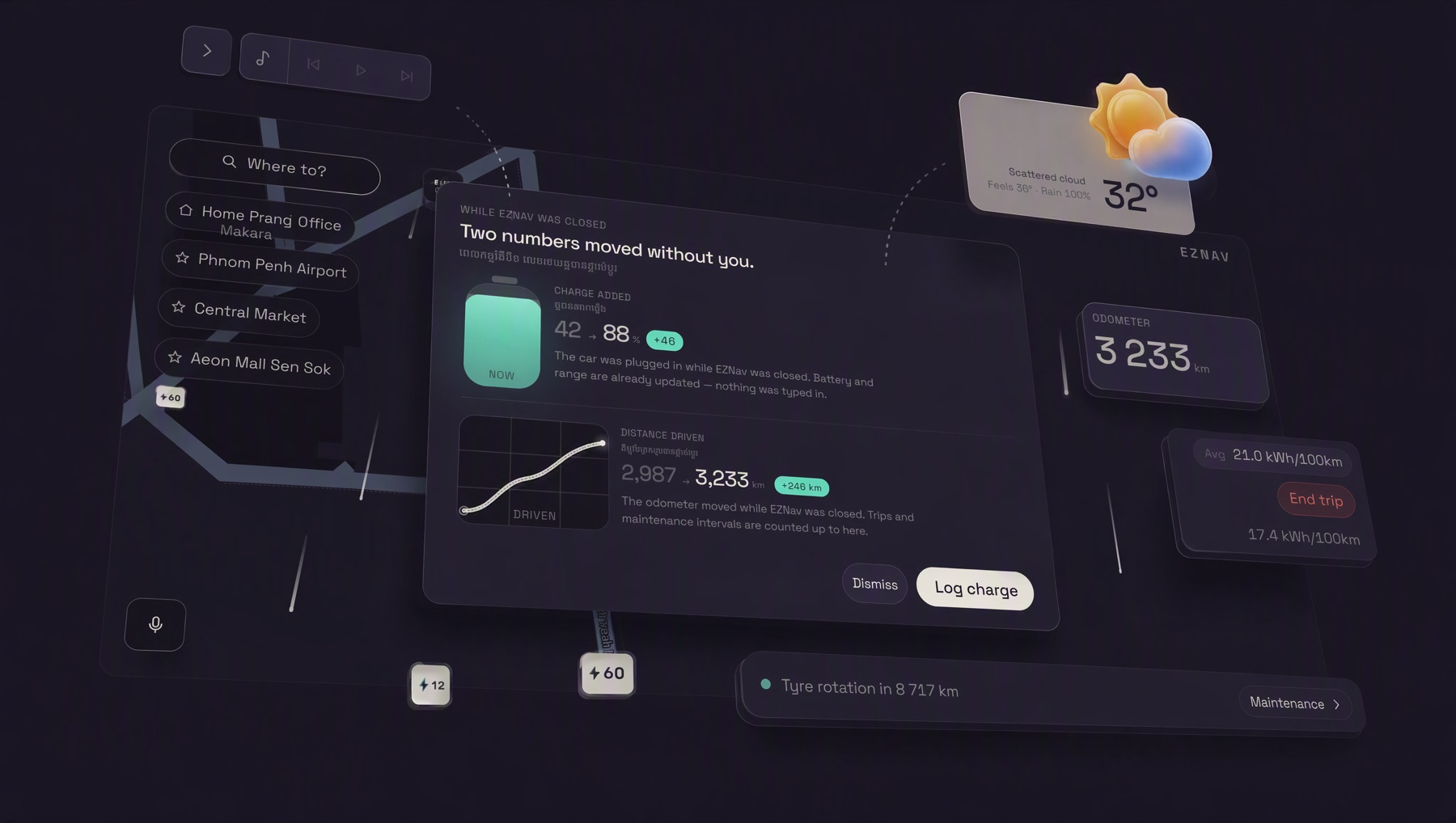
It counts what happened while it was closed.
Reopen the app and it reconciles the charge the car took and the distance it covered in between. Two numbers move without you typing anything.
Weather
Day, night, and the Cambodian calendar.
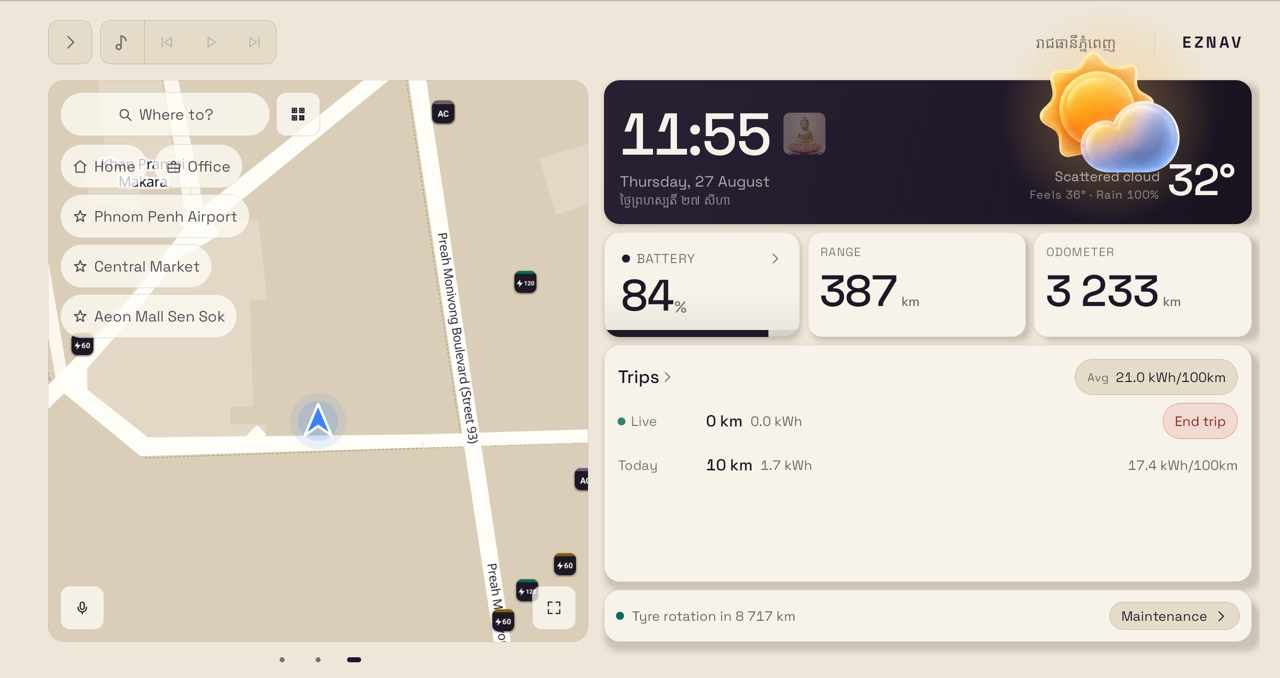
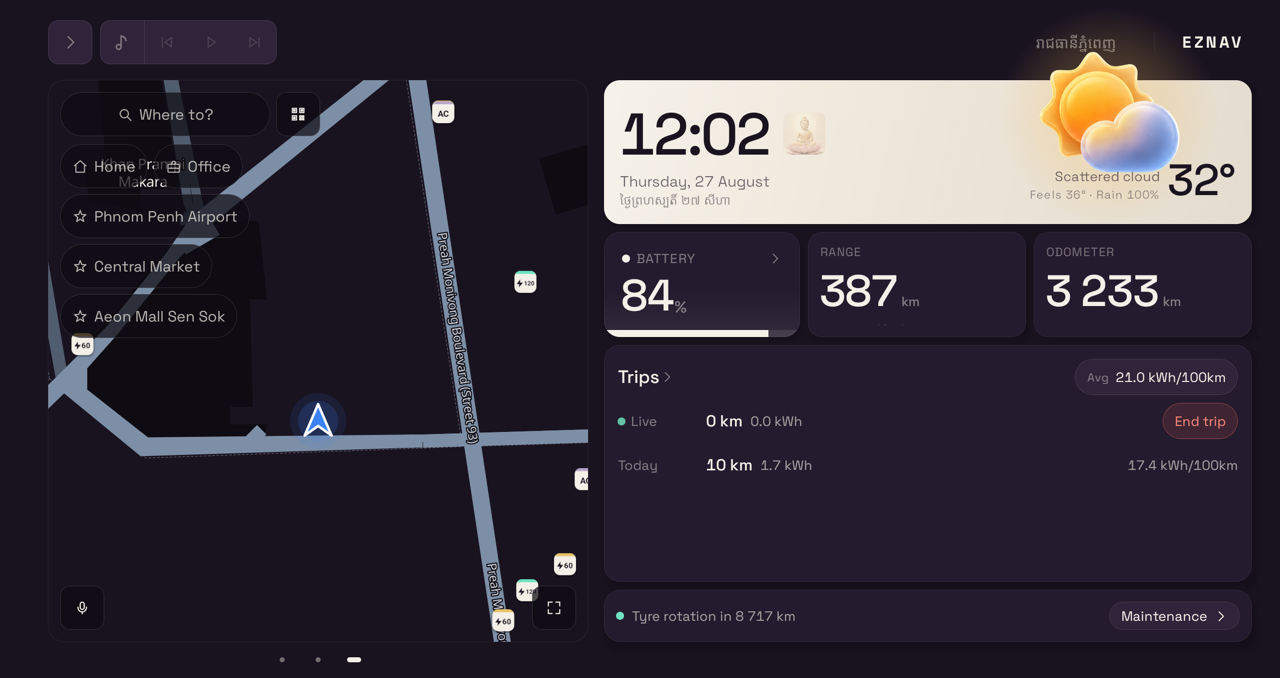
Weather for your city, the lunar calendar, and Buddhist holy days marked on the dashboard. The interface changes with the sun — on the solar clock, or by hand — and the map re-tints with the rest of it.
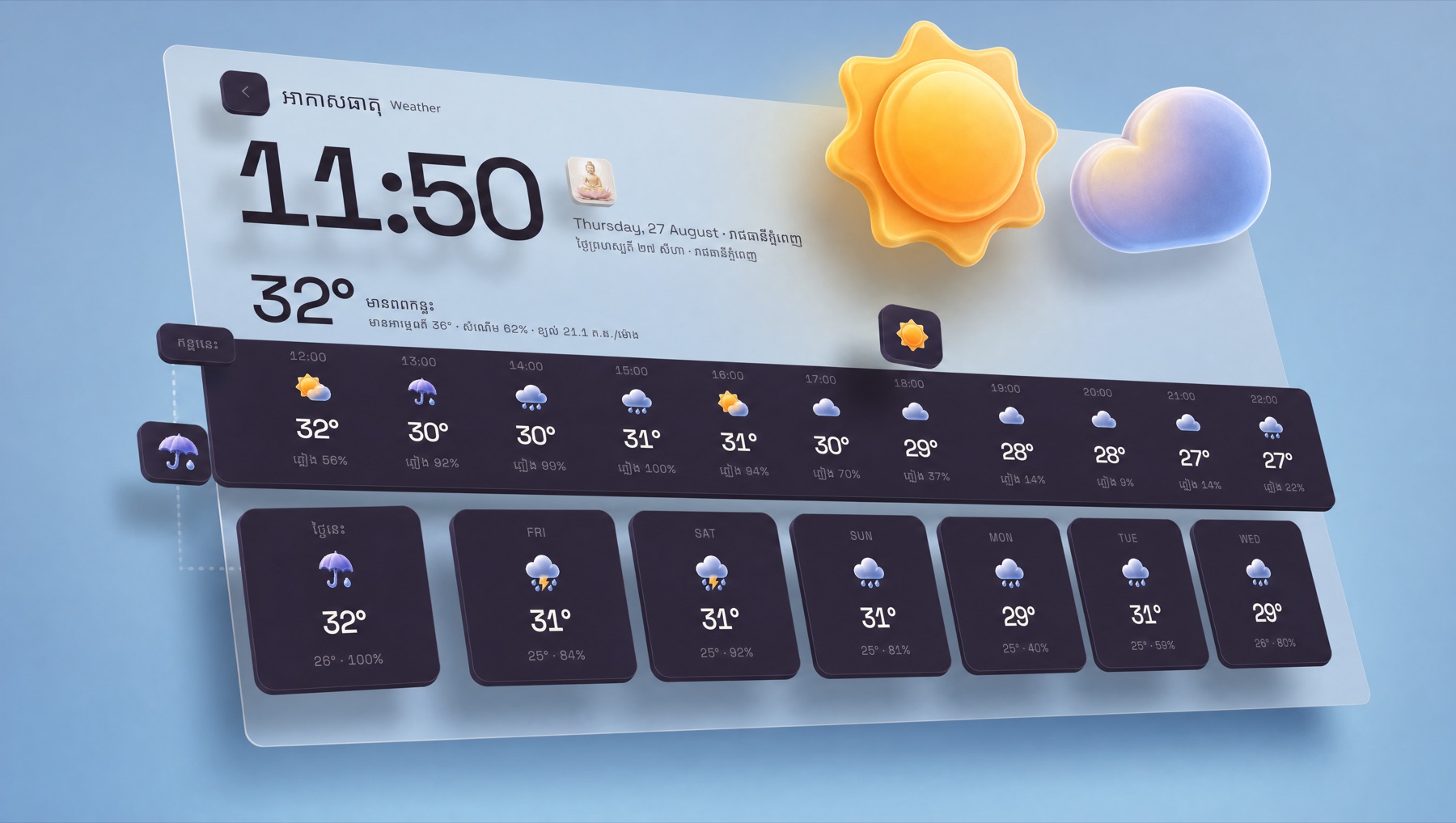
The same screen, day and night
Holy days are on the dashboard.
The app carries the Cambodian lunar calendar and marks Buddhist holy days on the screen you already look at.
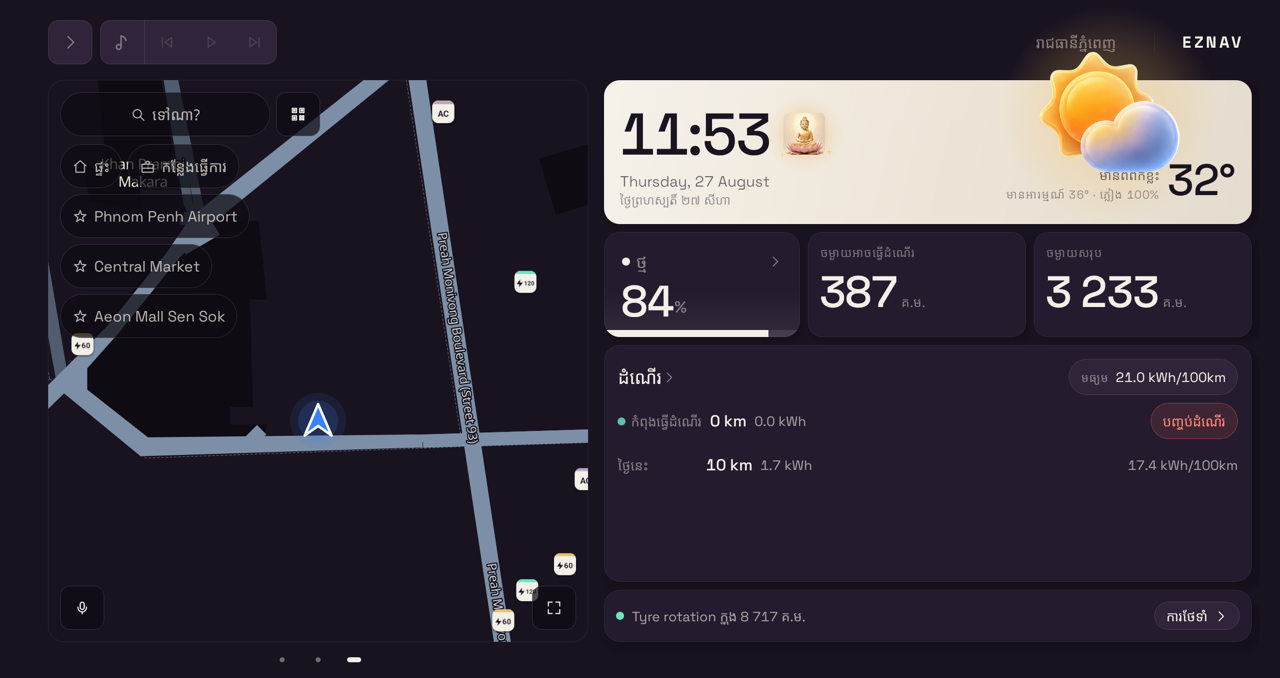
Beyond the centre screen
The map, where your eyes already are.
On some cars EZNav also draws its map in front of you, so the next turn is in your line of sight, not on the centre screen.
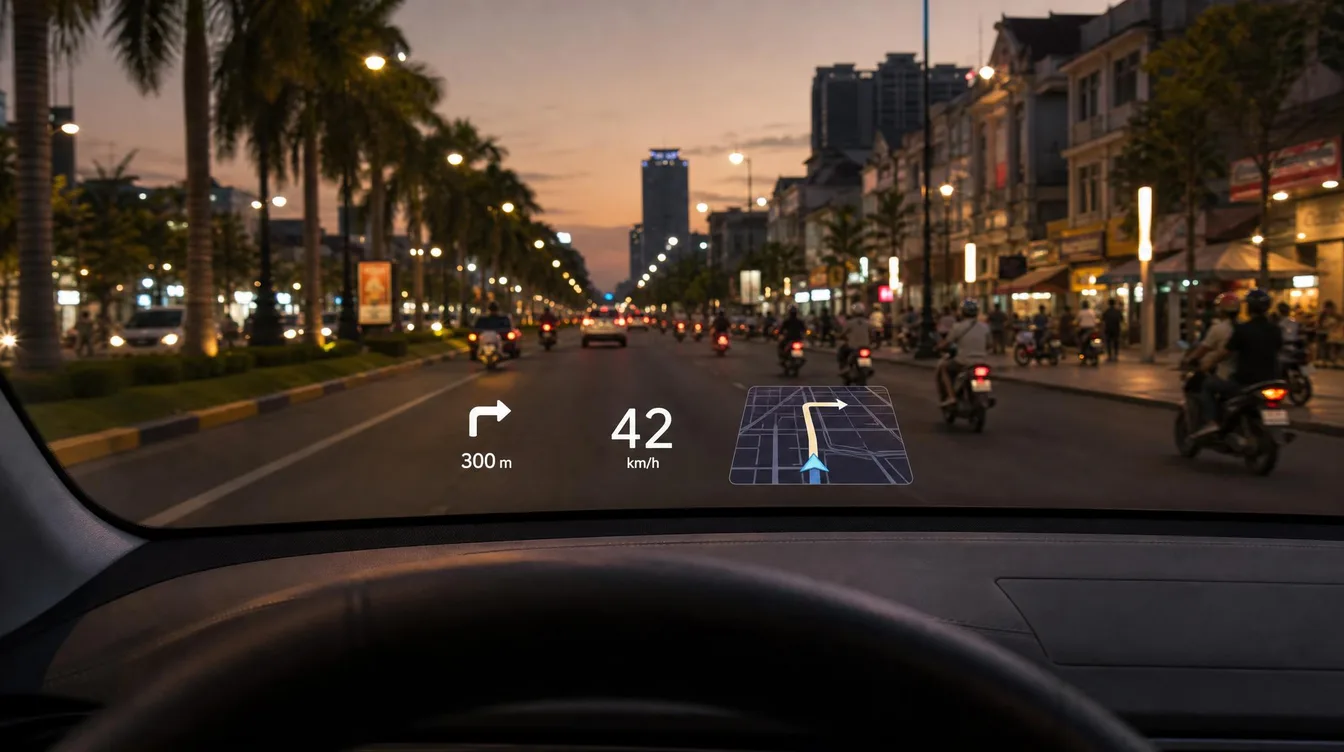
Mazda EZ60
A 3D mini-map on the windscreen head-up display while you navigate a route. On EZ60s fitted with a head-up display.
Visualisation, not real footage.
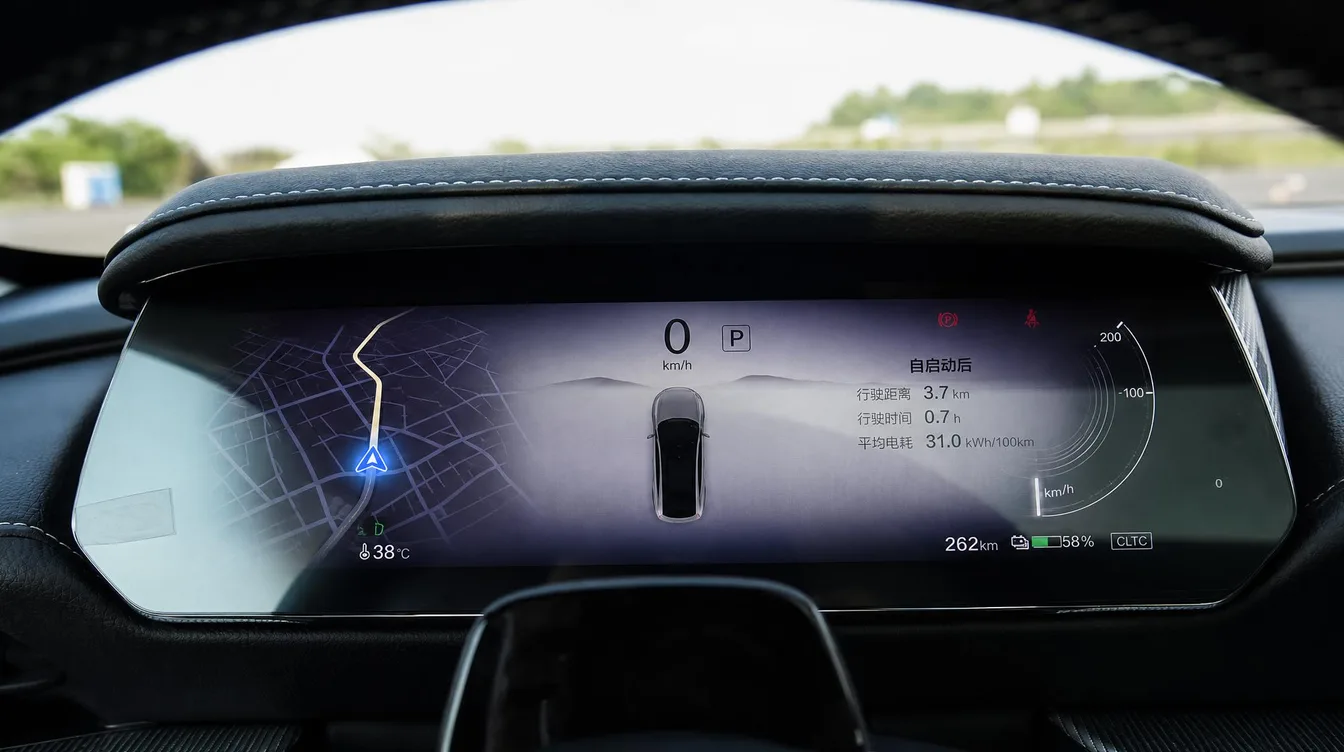
Mazda EZ6
EZNav's map in the instrument cluster behind the wheel, while EZNav is open.
Visualisation, not real footage.
Both pictures above are visualisations. See real footage from the cars on our Telegram channel.
Cars it runs on
Three cars, today.
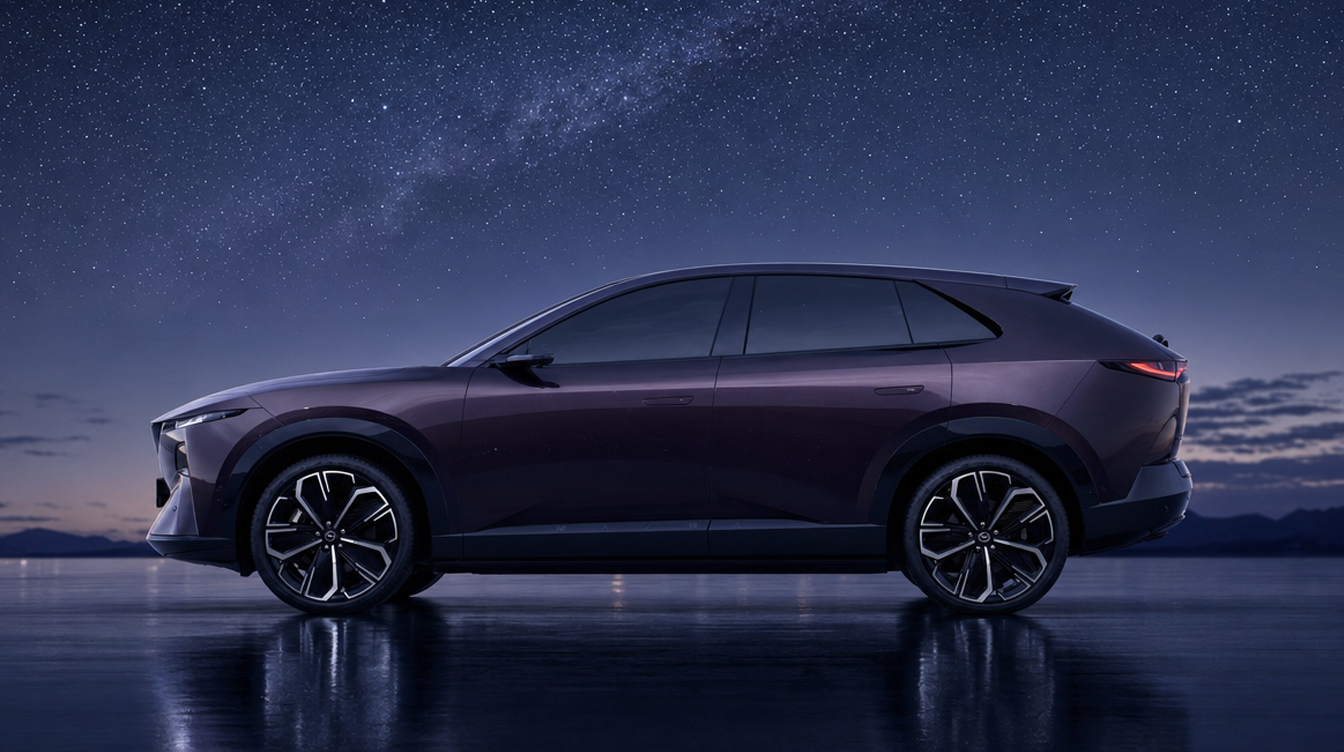
Mazda EZ60
Runs on the car's built-in head unit.
Illustration, not a photograph of this car.
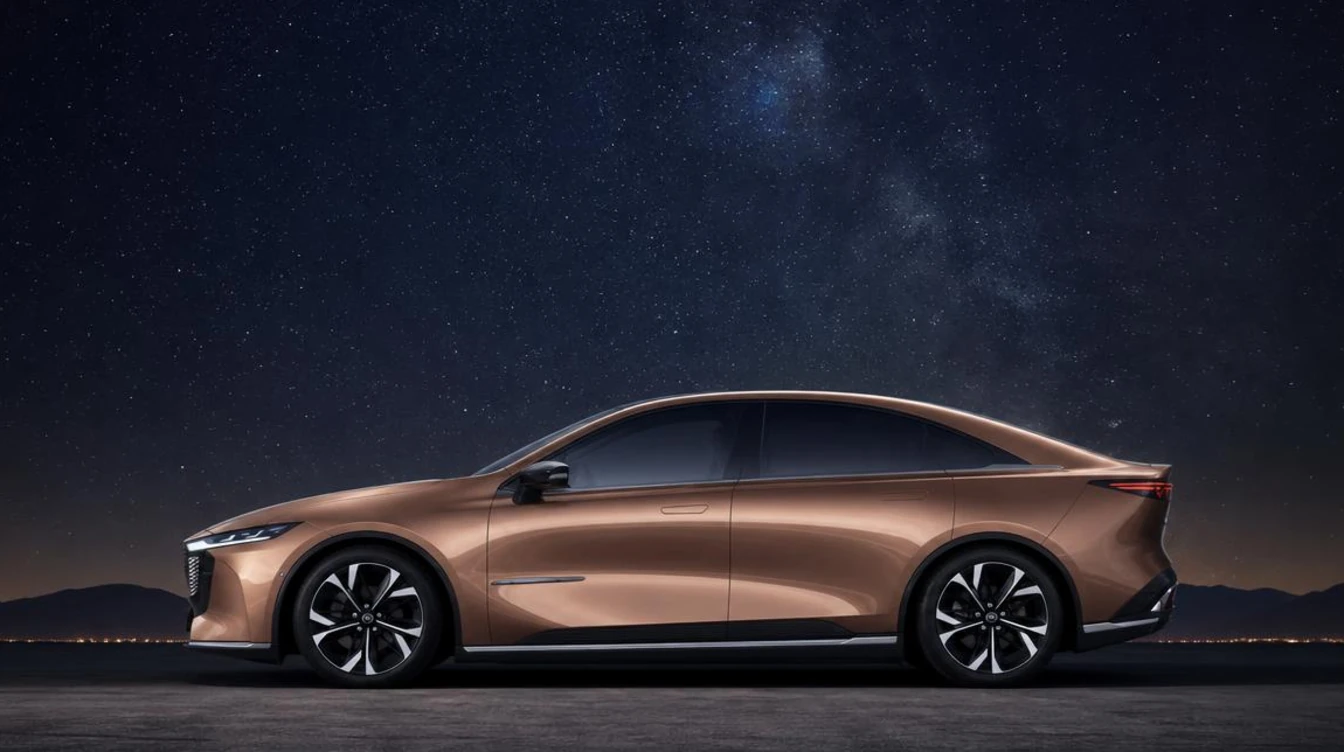
Mazda EZ6
Runs on the car's built-in head unit.
Illustration, not a photograph of this car.
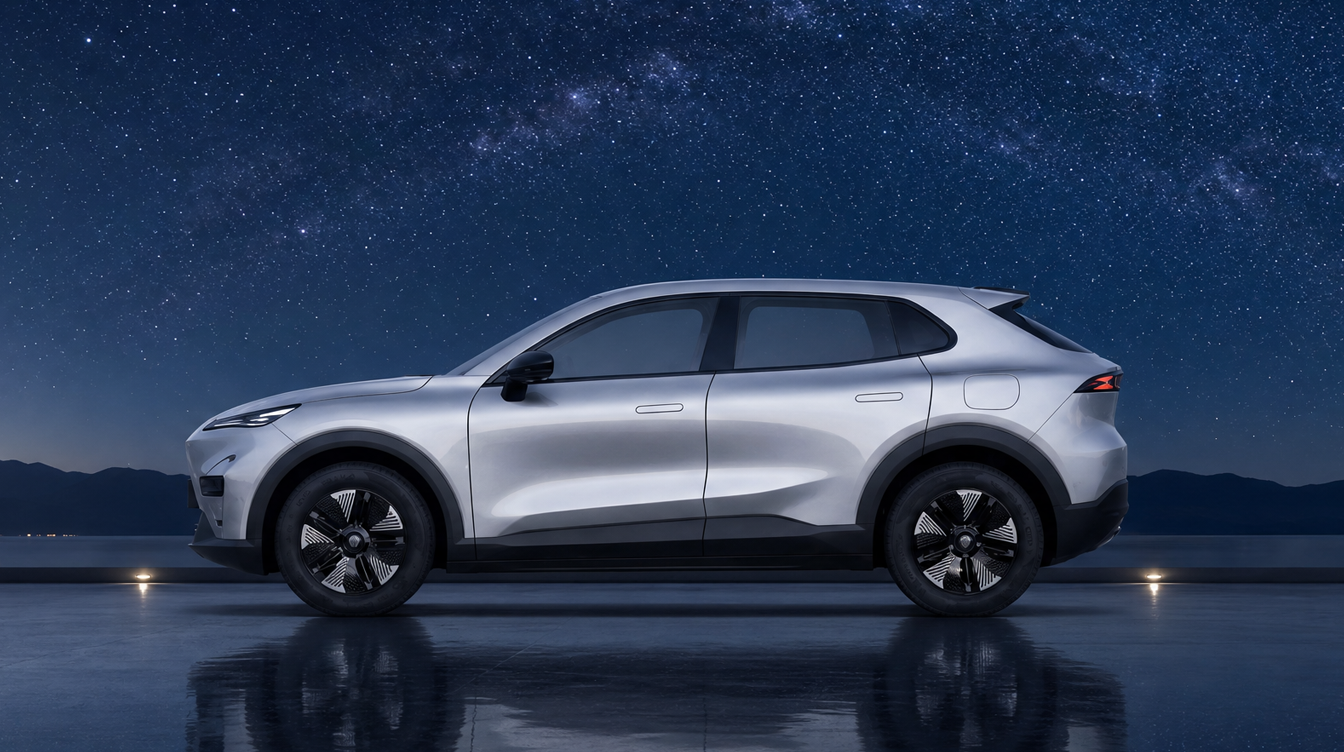
Deepal S05
Runs on the car's built-in head unit.
Illustration, not a photograph of this car.
Another head unit? Ask on Telegram whether your car can be added.
Install
Get EZNav.
Three steps. The app is installed by the owner from a file — there is no Play Store on the car, and no Google services are needed.
-
Get your activation code
Ask on Telegram. You get six digits, typed into the car once. One year of EZNav.
Activate EZNav -
Download the app
EZNav is an Android app file. You download it here and install it on the car yourself. It does not come from an app store.
-
Install it on the car
Copy the file onto a USB stick. Plug the stick into the car. Open the file on the car's screen and allow the install.